Talk=IKIGAI Multilingual Real-time Communication AI “Talk=IKIGAI”
Talk=IKIGAI
is a Communication Equity tool for everyone
in Japan life. It's like a stool that you can reach high up.
This is not a translation tool.
Let's get started with multilingual communication!
For those who can't wait, Try it nowTalk=IKIGAI Never Misses the Moment to Speak!
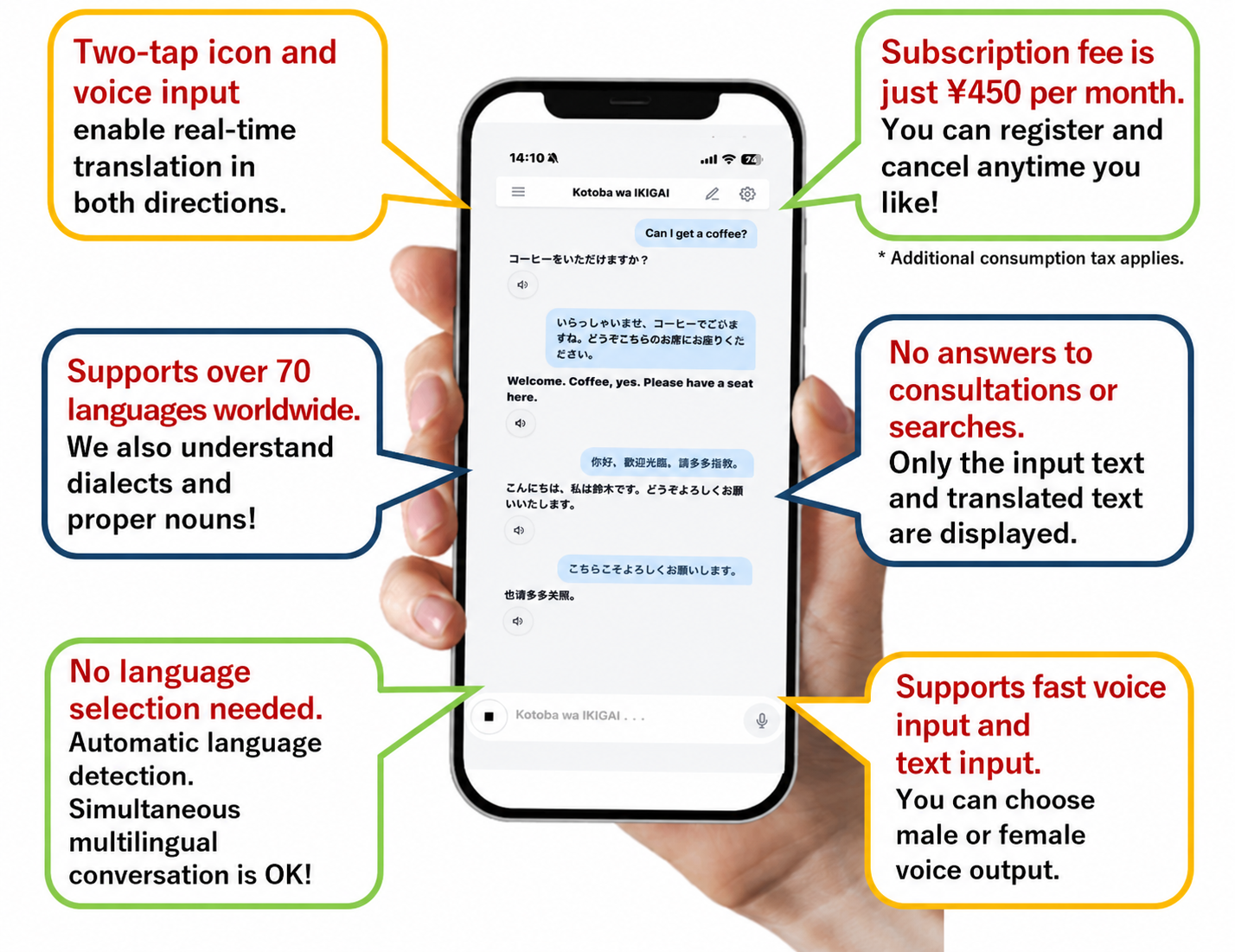
Top-level AI for communication delivers fast, two-way translation.
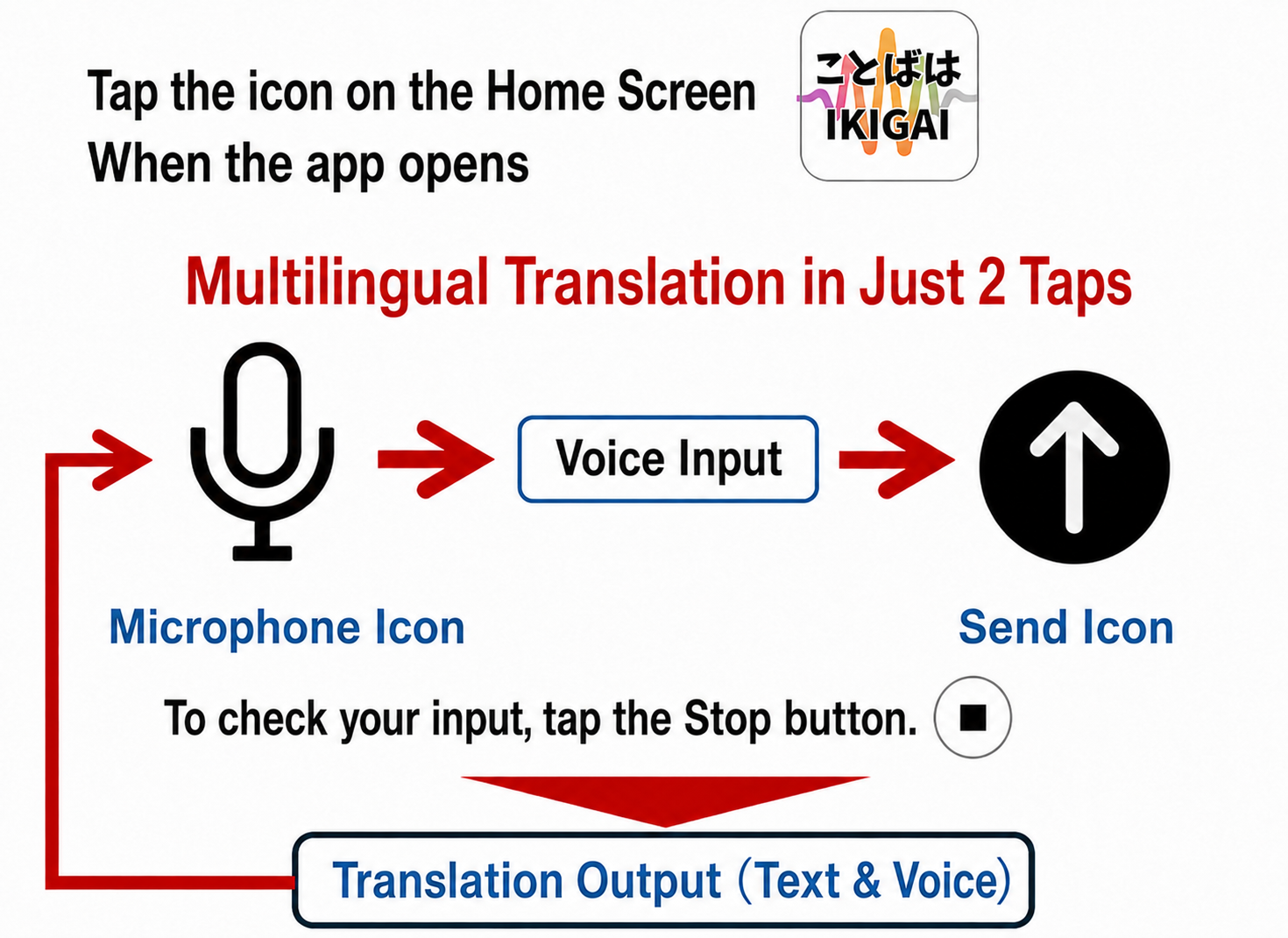
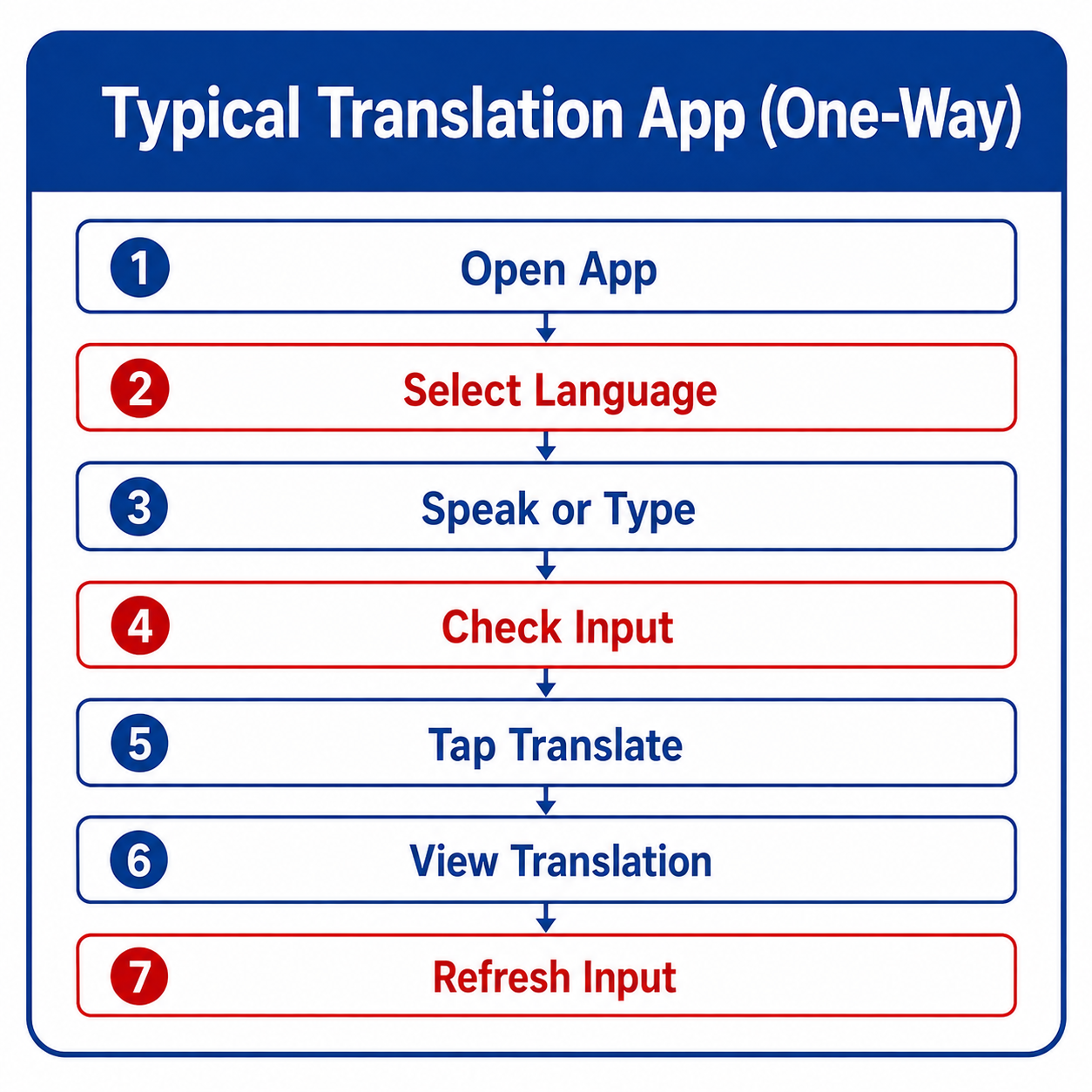
The steps shown in red are not needed with Talk=IKIGAI!
Talk=IKIGAI is available for 480 JPY per month!
- The monthly fee is 480 JPY, plus applicable taxes, if any. No other fees are required.
- About 500 translations per month—enough for typical daily use. If you need more, you can add about 200 translations for 160 JPY, plus applicable taxes, if any, as many times as needed.
- Unused translations automatically roll over to the next month.
- You can cancel your subscription at any time at https://kotoiki.com/cancel/cancel_portal.html
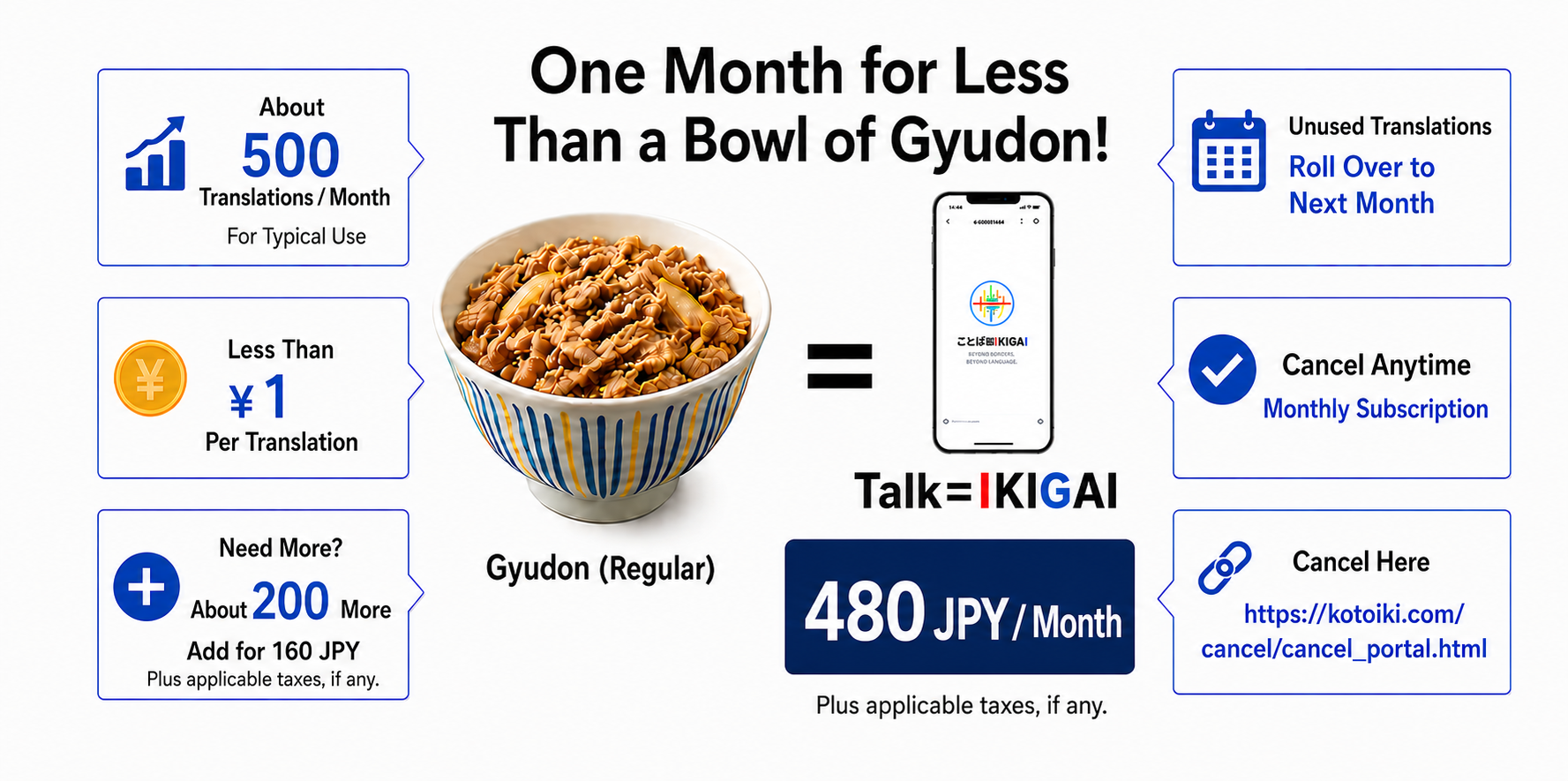
Let's get started with multilingual communication!
For those who can't wait, Try it nowFor Tourists
Most Japanese people don’t speak foreign languages.
But most Japanese people are very kind.
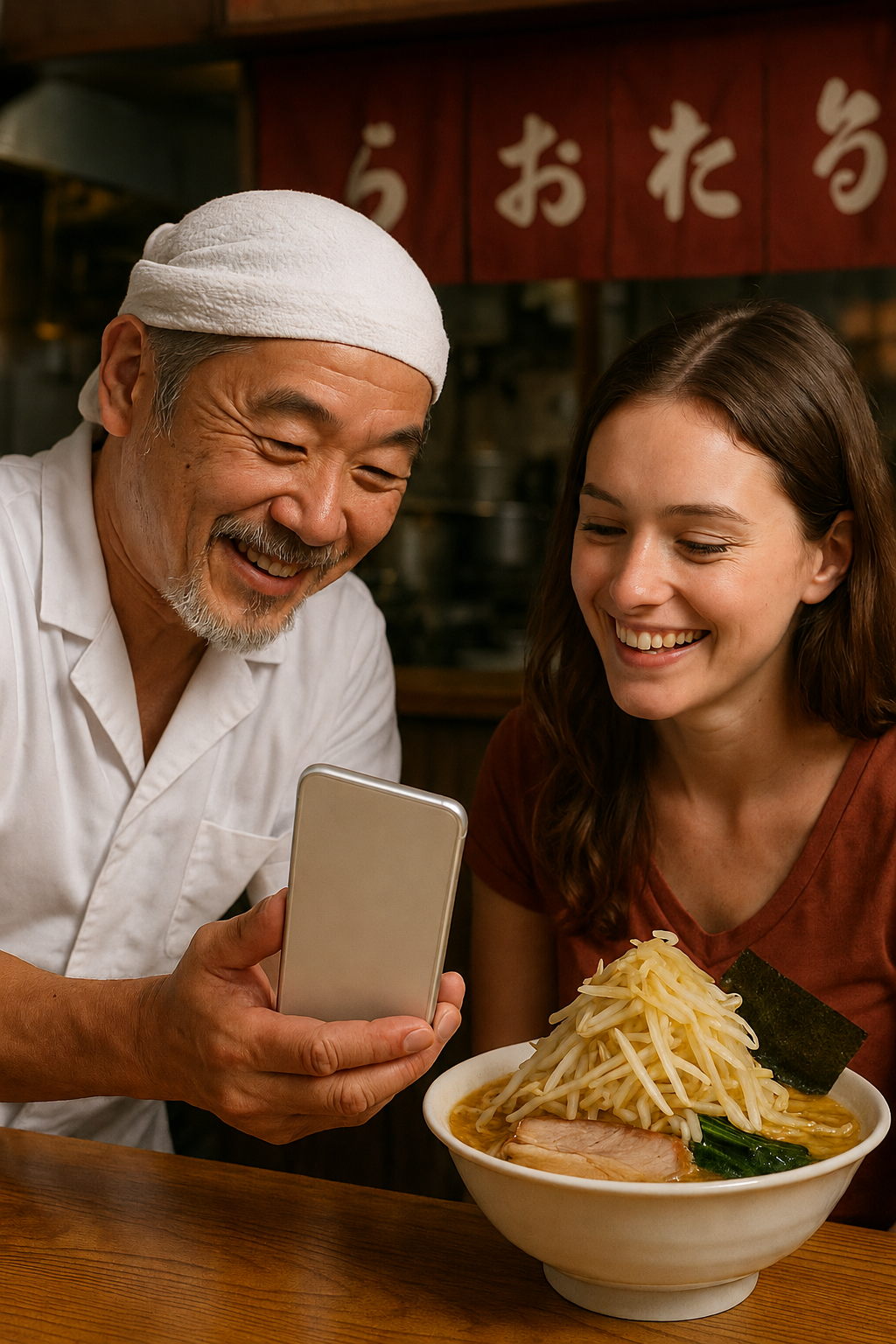
With Talk=IKIGAI, you can feel confident approaching Japanese people and experience the charm of Japan more deeply. It’s not just Tokyo, Osaka, and Kyoto—the only way to experience the cuisine, art, and crafts from all over Japan, transcending language barriers, is with “Talk=IKIGAI,” a communication AI that never misses a moment when you want to listen or speak. Translation software just won’t cut it.
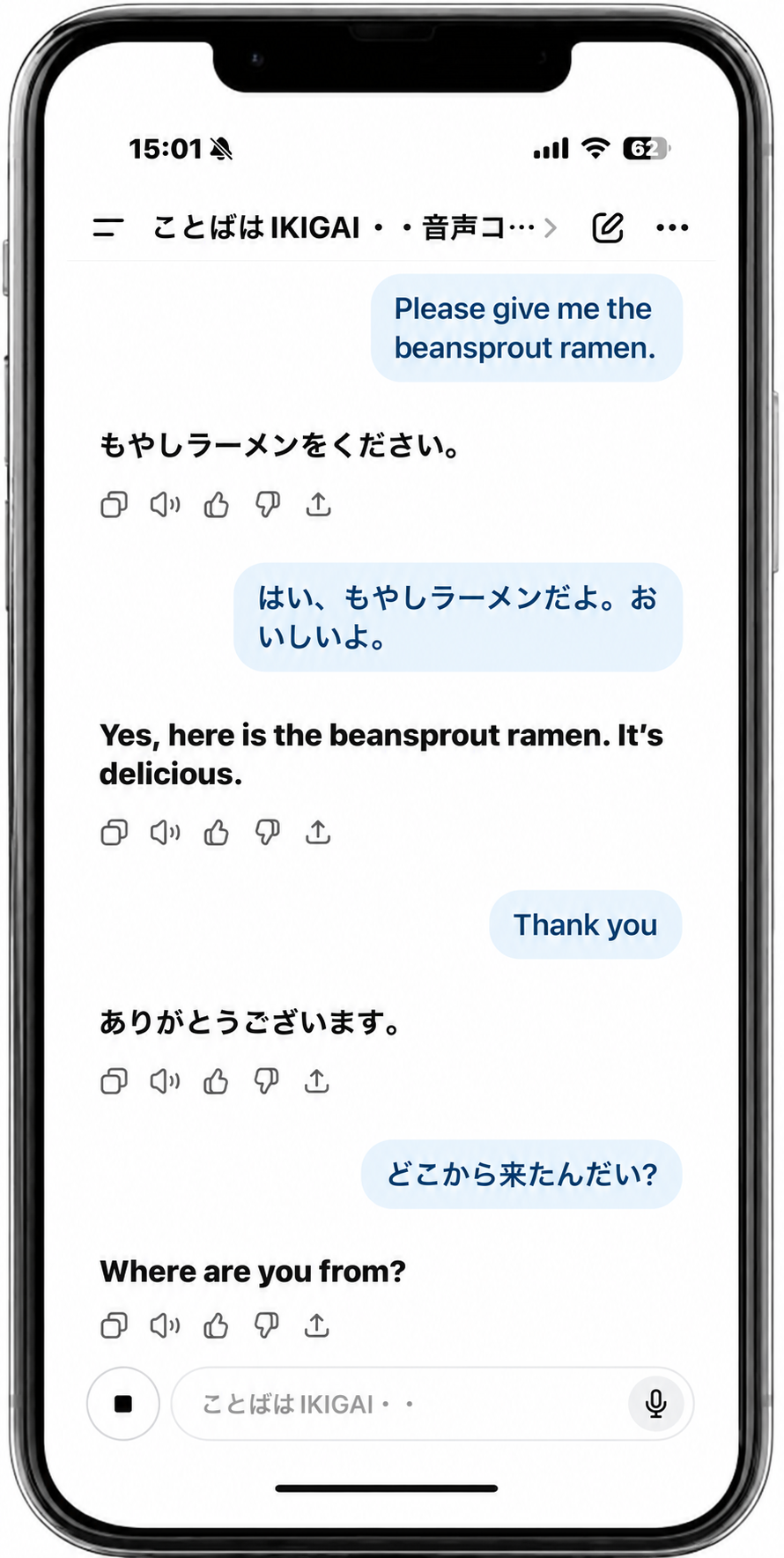
When You’re in a Bind
With Talk=IKIGAI, you can ask for help with confidence.



You can experience Japanese culture.
Japanese culture has been passed down through actions and words.
Talk=IKIGAI helps you understand both.

For Living & Working in Japan
Talk=IKIGAI helps improve the quality of life for you
and your family as you work, study, and live in Japan.
You can probably use everyday apps when you go to tourist spots. But don’t you find it difficult to communicate with a doctor when you’re sick, or to navigate conversations filled with technical terms at government offices you rarely visit? Can you convey your specific preferences at a barbershop or restaurant? Can you communicate effectively with your child’s teacher?
With Talk=IKIGAI, your words will be instantly translated into proper Japanese, and difficult Japanese expressions will be instantly translated into words you can understand.




In both Japanese and your native language, learning work
instructions helps you master your job faster.
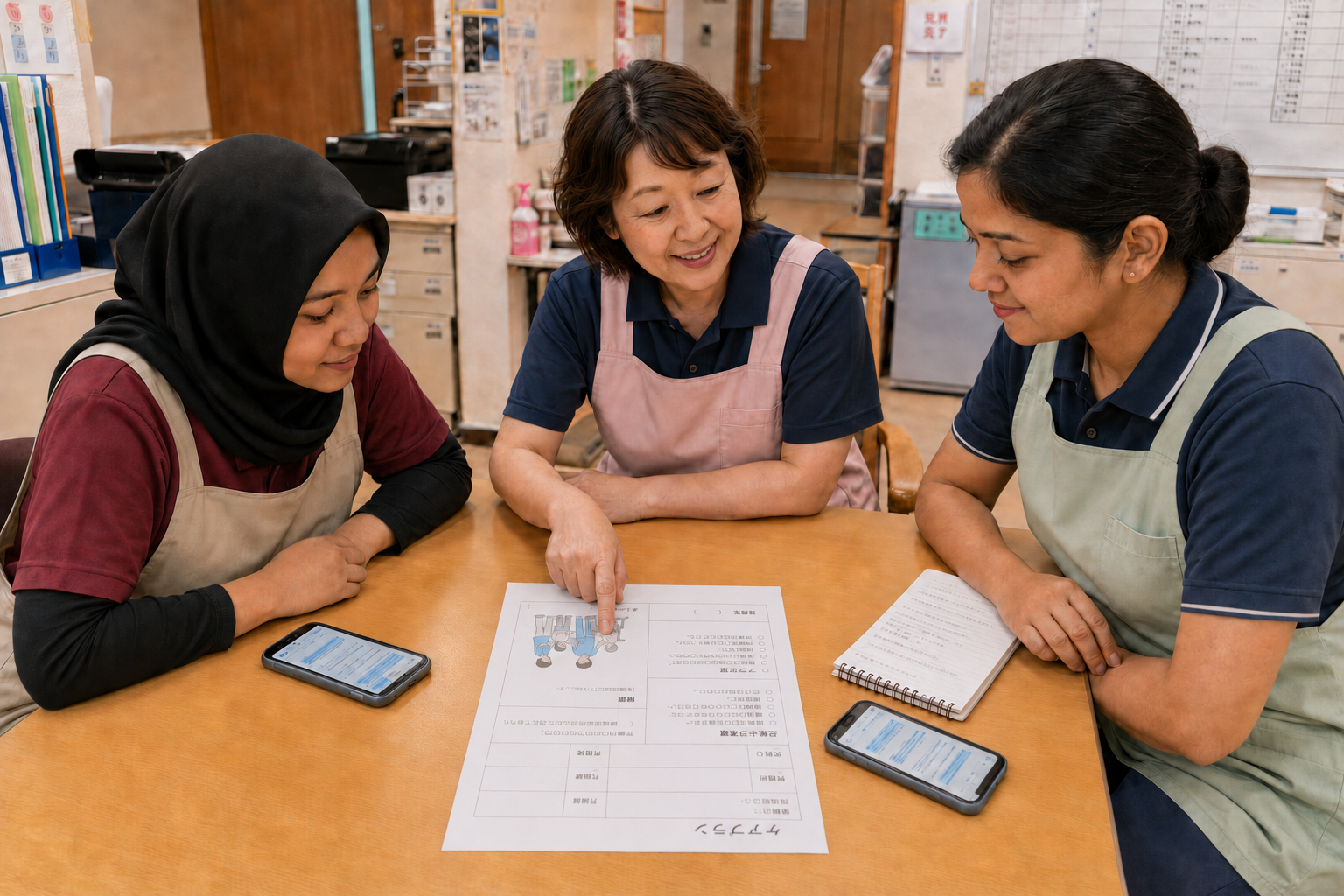
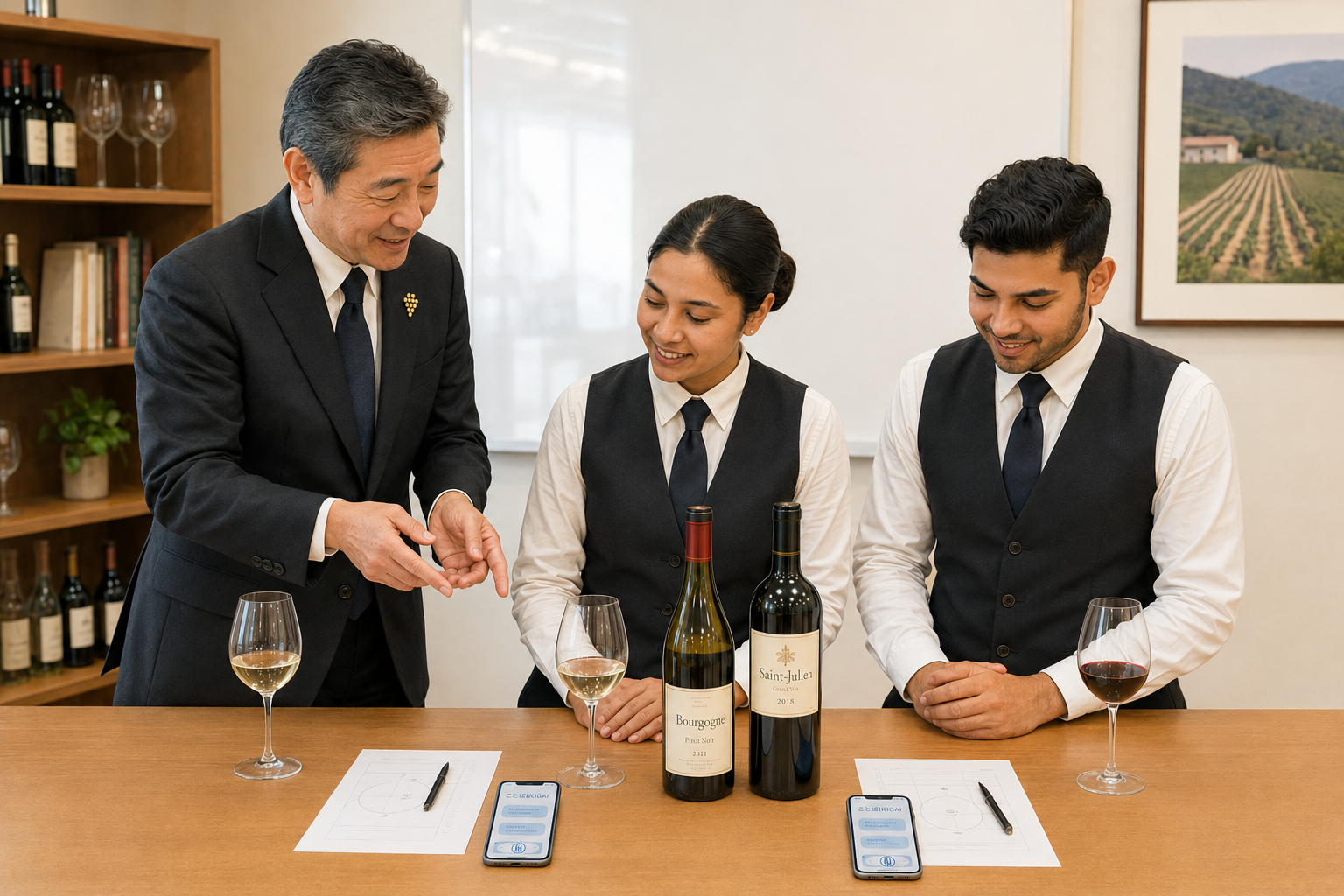
If you have Talk=IKIGAI at your workplace, it will translate instructions and feedback into your own words on the spot, helping you understand them. Understanding things in your own words will boost your confidence in your work and help you improve your skills.


Let’s get started with multilingual communication!
For those who can’t wait, Try it nowTalk=IKIGAI is designed for safety ◎
- Talk=IKIGAI is a web service. You can start safely with a smartphone and Wi-Fi.
- Member registration is required to use Talk=IKIGAI safely.Required information: the email address of the smartphone you will use, your name (a nickname is OK), and your nationality. Other information is optional and helps us understand our members.
- To start using Talk=IKIGAI, tap the access code in the email sent to your registered email address.
- The email with your access code also has the membership cancellation URL and links to the manuals. Save this email so you can easily manage your membership later. Please keep it safe.
- Talk=IKIGAI is a web service for smartphones. You do not need to install an app, so it does not place a burden on your smartphone.
- The entire Talk=IKIGAI service works on your smartphone. It does not affect existing networks at companies, hospitals, or other facilities.
- Conversations on Talk=IKIGAI are saved only on the member’s smartphone. Members can delete their saved conversations themselves.
Use the best microphone for Talk=IKIGAI!
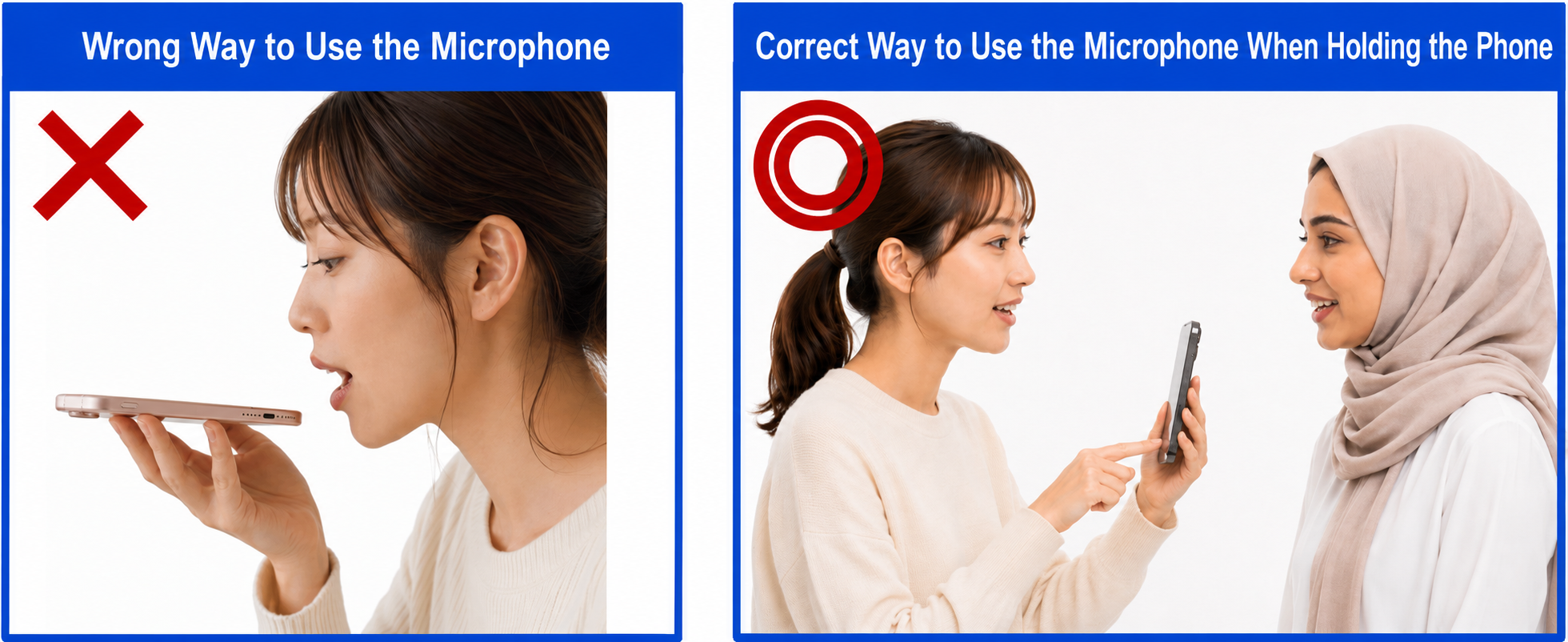
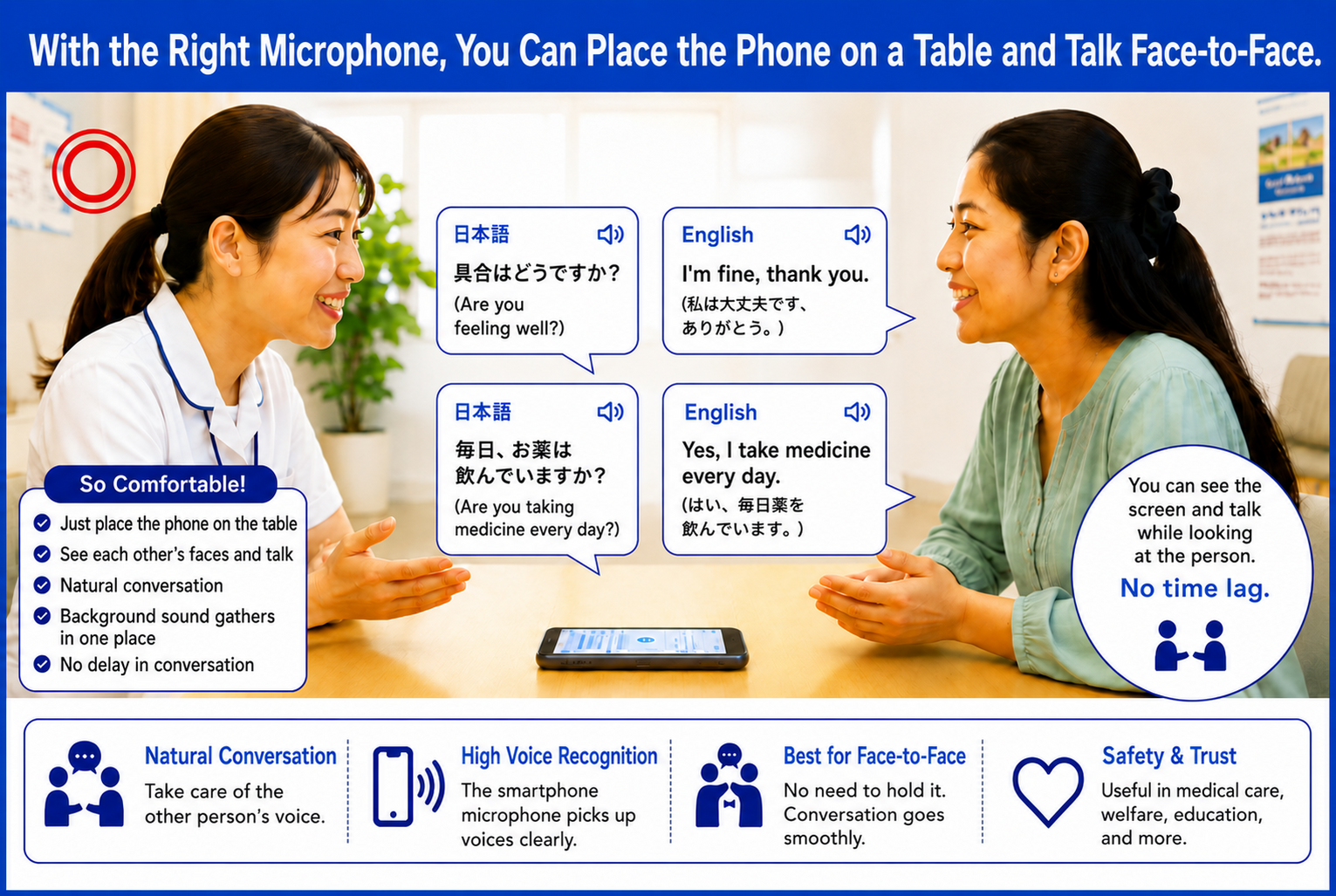
Smartphones have several microphones. The microphone used for regular phone calls is close to your mouth, so it often has no noise-canceling function. The microphones near the cameras are used for video recording and have noise canceling.
Some people lay their smartphone flat and speak into the microphone near the charging port. This is wrong. For voice input, speak directly toward the microphone near the camera on either side of your smartphone.
Let’s get started with multilingual communication!
For those who can’t wait, Try it now